Location Reports
In this tutorial, you will gain a basic understanding about Location Reports.
Accessing Location Reports
Before accessing the Reporting Section, be sure to review the Navigating and Using Reports tutorial to learn how to access, filter, export, and print your reports.
To access the Report section, click on Reports from the Quick Links toolbar. You will see two tabs at the top (Standard and Generated). Under the Standard tab, you can find the category Location Reports.
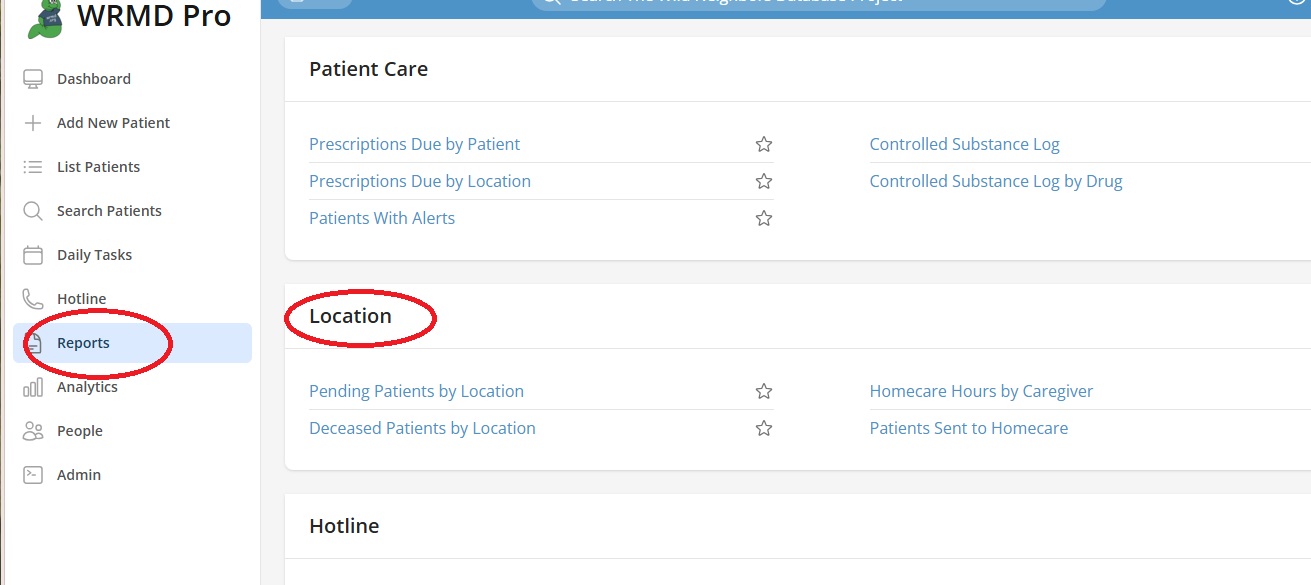
You will see four reports in this category, Pending Patients by Location, Deceased Patients by Location, Homecare Hours by Caregiver and Patients Sent to Homecare. They are run the same way. The example below shows Pending Patients by Location.
Pending Patients by Location
This reports on where your pending patients are currently being housed. Use the arrow on the right side to expand the filter options.

You can filter the report’s data by date (choose Custom to specify calendar dates) and holding location (clinic, off-site, homecare). You can even designate a specific location area. Click the green Run Report button. Reports can be printed or emailed.
