Exporting Rescuers, Volunteers, Members and Donors
In this tutorial, you will learn how to export rescuers, volunteers, members, donors, and hotline reporting parties.
Since WRMD only provides basic information on the people affiliated with your organization, you may want to export some of the data on people so you can integrate it with another database. The steps for exporting this data are as follows.
Step 1
Log into your WRMD account.
Step 2
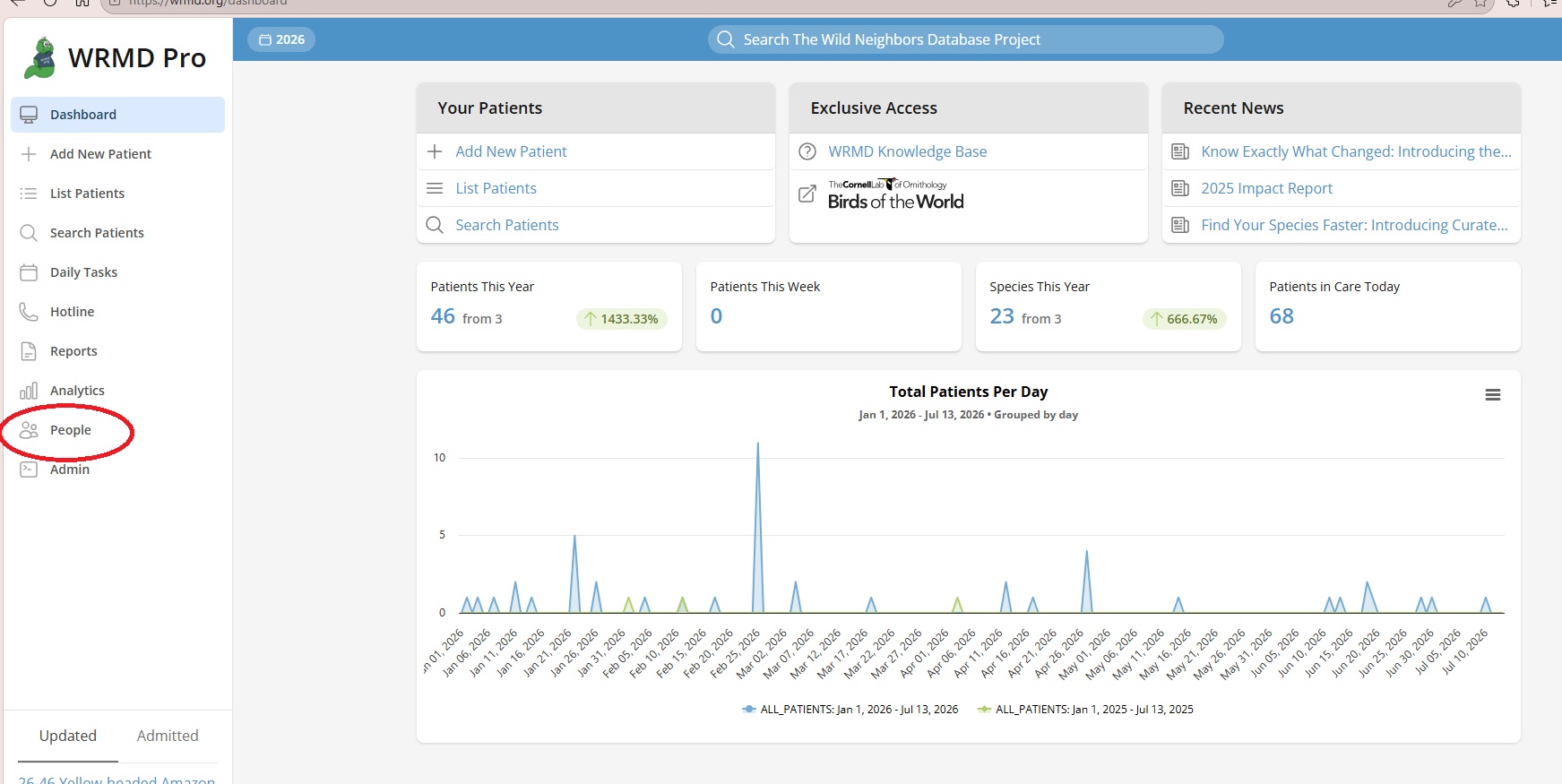
Go to the Quick Links panel on the left of the page and click on People.
Step 3
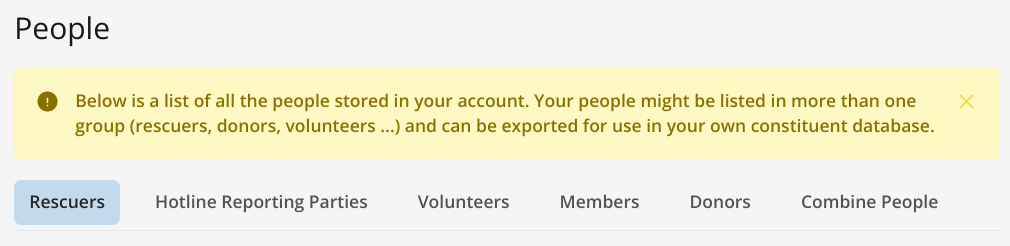
Click on the appropriate tab (Rescuers, Hotline Reporting Parties, Volunteers, Members, or Donors).
Step 4
In the upper right of any section, you will see a gray Export button. Keep in mind that only members of the section that you are on will be exported.

Step 5
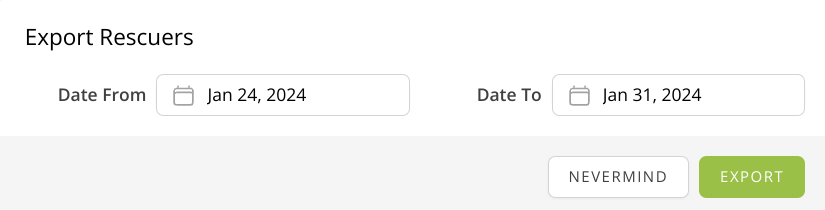
A dialog will appear prompting you to choose the dates for which to export your file. Choose the appropriate time range.
Step 6
Click the green Export button. The file will be downloaded onto your computer. If you don't see the file in a pop-up window, please go to Reports - Generated Reports (tab at the top).